
AI Image Upgrade
AI store images in FreshStore just got a significant upgrade. We have replaced the image generation engine with a newer, more capable model that produces more realistic and creative visuals for your affiliate stores.
If you have used FreshStore’s image tools before, you will notice the difference immediately. The new engine is better at understanding your store’s niche and creating images that actually look like they belong there.
What has changed with AI store images?
The previous image model was good, but it sometimes produced images that looked obviously AI-generated or did not quite match the product context. The upgraded engine fixes both of those issues:
- More realistic output – Images have better lighting, natural textures, and fewer visual artifacts. They look like professional product photography rather than AI renders.
- Better niche understanding – The engine reads your store context and generates images that match. A travel store gets warm, inviting imagery while a tech store gets clean, modern visuals.
- More creative variety – You will get a wider range of styles and compositions, making your store look unique rather than templated.
- Faster processing – Images generate quicker than before, so you spend less time waiting and more time building your store.
Examples of the new AI store images
Here are some examples from our Instant Stores, all generated automatically with no manual editing:
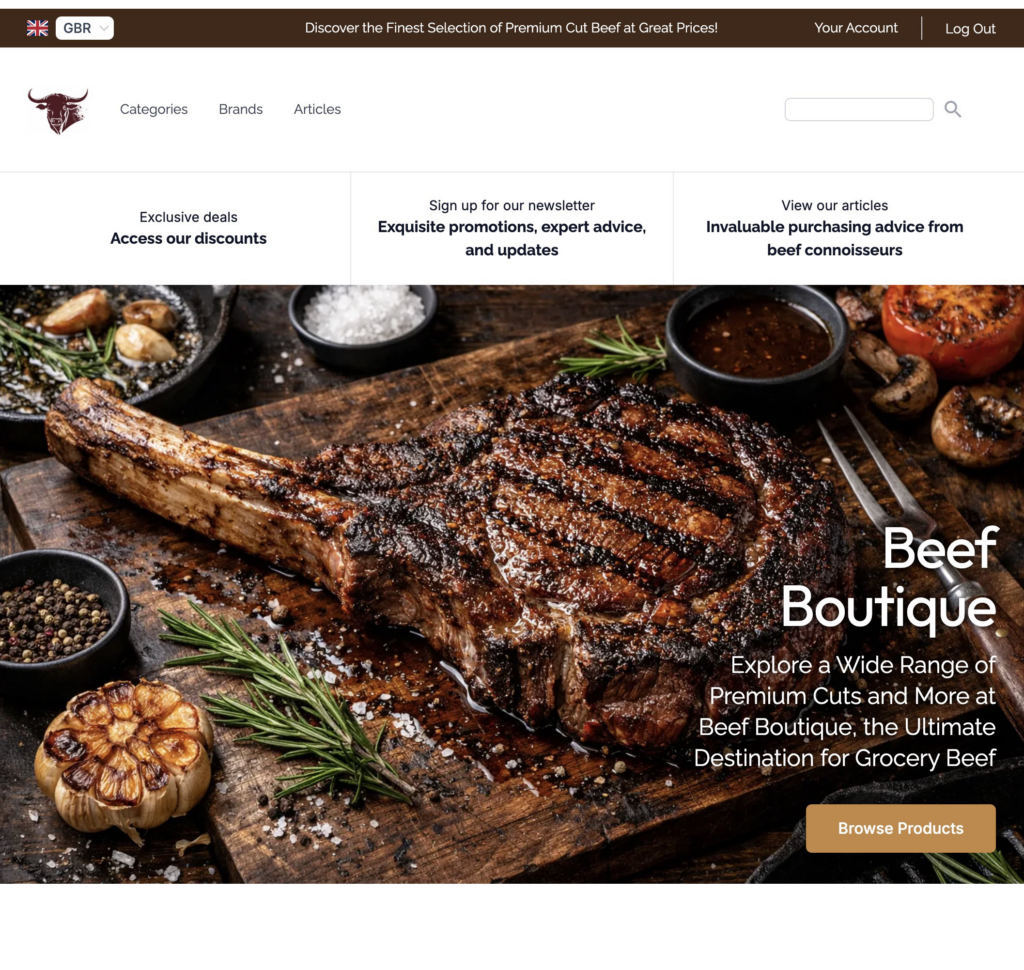
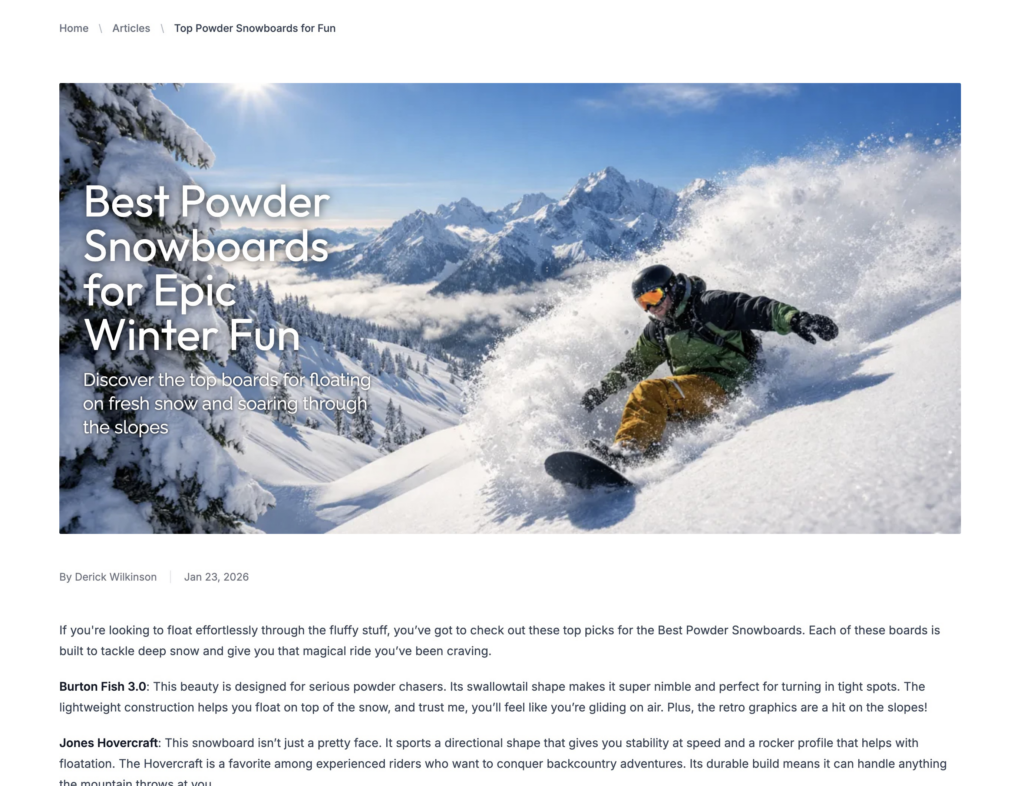
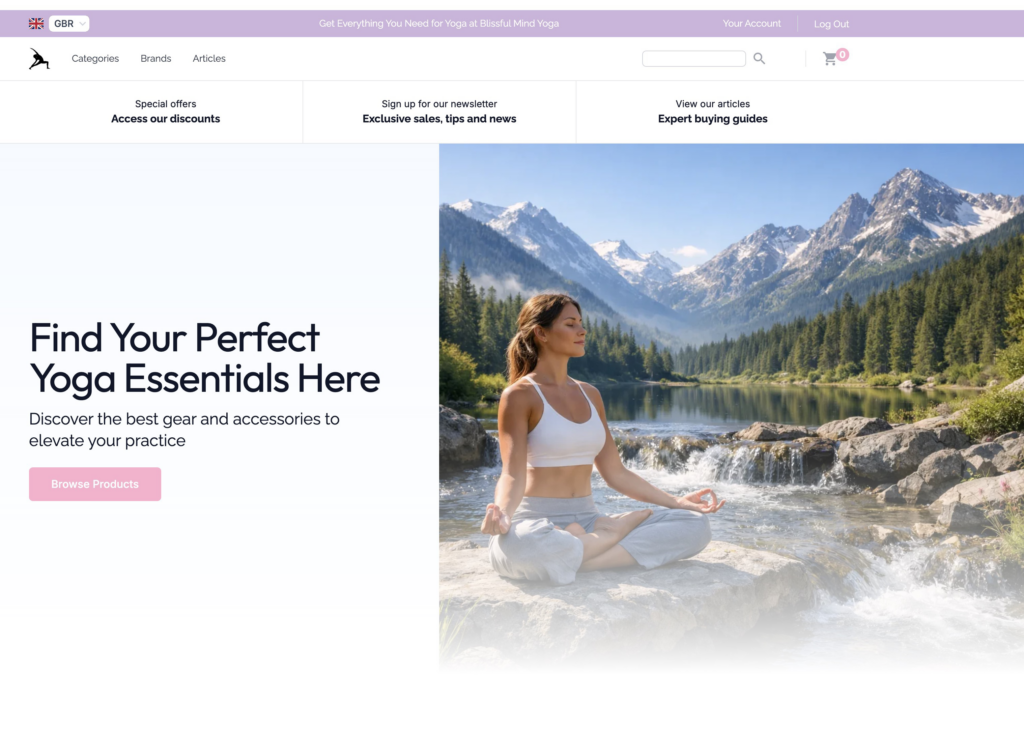
Where to use AI store images
You can generate AI store images for every part of your FreshStore site:
- Articles – unique header images that make your content stand out in search results
- Categories – give each section a distinct visual identity so visitors can browse easily
- Homepage hero – create a bold first impression that keeps visitors on your site
- Logos – professional branding without hiring a designer
- Social media – generate shareable images for promoting your store on social platforms
How to get started
The upgrade is already live. Every image generation tool in your FreshStore dashboard now uses the new engine automatically. Just click generate as you normally would, and you will see the improved results.
For a full walkthrough of how to use AI store images, check out these guides:
If you want to see what else is new, read about the FreshStore v3.1 update which includes the AI Treasure Map, firewall, and more. You can also try our free affiliate link checker to make sure your product links are all working.
One click is all it takes to create stunning new AI store images. Give it a try and let us know what you think.