
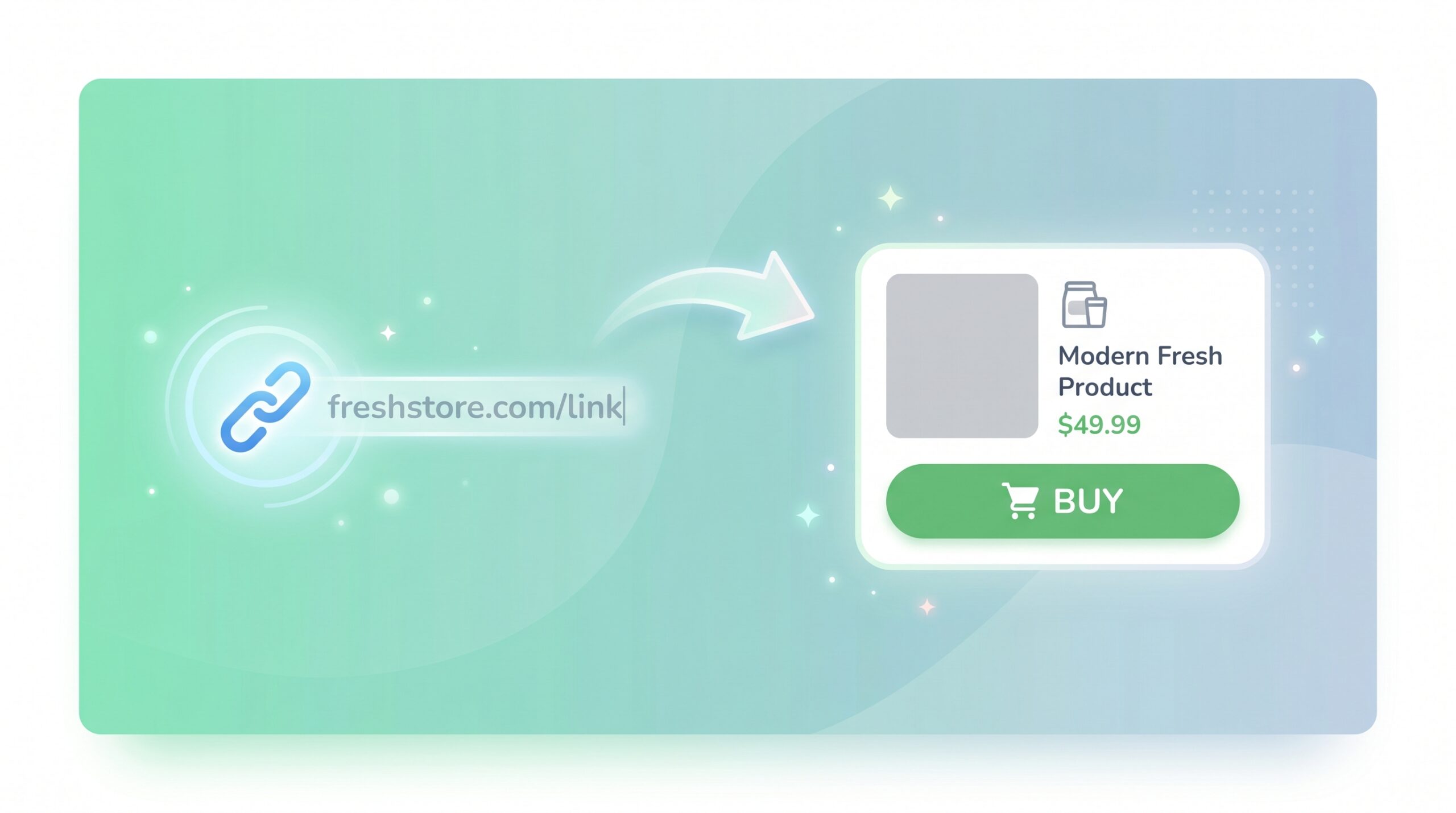
Add any product to your store from a single link
You have probably had this moment. You spot a great product on a brand site, a Shopify store, a ClickBank listing, or somewhere else that is not Amazon, and you want it in your store. The current options are: build a custom offer manually, or skip it.
We just made it a one-step job. Paste the link, and FreshStore does the rest.
TL;DR
- New tool at AI Tools > Product Importer.
- Paste any product URL. We scrape the page, create a custom offer, create a product, and let AI write the title, summary, highlights, main content, and SEO meta data.
- We pull a gallery of images from the page (up to 8 per product), not just one.
- Optional title and notes fields handle the cases where a page cannot be scraped, or when you want to nudge the AI in a specific direction.
- Up to 20 imports per batch. All products land in the categories you select at the top.
Why this matters
The Amazon Link Importer was a hit, but plenty of you have been asking for the same workflow for non-Amazon products: ClickBank, Etsy listings, eBay listings, brand sites, your own Shopify store, anywhere with a public URL.
Custom offers have been around for a while as the manual answer to that. The trade-off was that you had to write the title, summary, content, and meta data yourself, or run them through AI separately afterwards.
Now you do not. The Product Importer collapses the workflow: link in, full AI-written product out.
How to use it
- Go to AI Tools > Product Importer in your store admin.
- Pick the categories the imported products should land in.
- Paste the first product URL.
- (Optional) Add a title if you want to override the scraped one.
- (Optional) Add notes to give the AI extra context.
- Click “Add Another Link” if you have more (up to 20 per batch).
- Click “Import Products”.
Each link runs in the background. You will see a notification when each product is ready, with a link to edit it.
What gets created
For each link:
- A custom offer with the original URL as the buy link, the scraped price (if the page exposed one), and a gallery of images pulled from the page.
- A product linked to that offer, added to the categories you picked.
Then the same AI that powers the rest of FreshStore writes the title, link title, subtitle, summary, highlights, content, and meta data, based on the scraped page content and any notes you added.
A gallery, not just a hero
Most modern product pages expose their images in three places: structured data (JSON-LD Product schema), Open Graph and Twitter tags, and the gallery markup on the page itself. We pull from all three, dedupe, filter out tracking pixels and tiny icons, and import up to 8 of the best candidates per product.
The first image becomes the hero. The rest form the gallery on the product page.
When the scrape cannot get anything useful
Some sites use heavy anti-bot protection. Cloudflare with JavaScript challenges, Akamai, Imperva, and similar enterprise firewalls block automated scrapers regardless of how convincingly they pretend to be a browser. We send the full set of Chrome headers (Accept, Accept-Language, Sec-Fetch-*, Sec-Ch-Ua, Upgrade-Insecure-Requests, all of it) plus a referer that looks like a Google search, and that gets us through the bulk of mid-tier protections. The hardened ones still block.
When that happens, we detect it and stop the import cleanly. No more “Access Denied” leaking into a generated title.
For those pages, you fill in the title and a few sentences of notes. The AI uses those instead, and you still get a fully-formed product. The difference between a successful scrape and a manual fallback ends up being invisible in the final output.
A few tips
- Pages with rich Open Graph tags or JSON-LD structured data (most modern stores) give the best results.
- The notes field is also useful even when scraping works. Use it to nudge: “this is a budget alternative to X” or “highlight that it is vegan and cruelty-free”.
- Custom offers do not auto-update. If the price changes on the source page, update it on the offer (or rerun the import). If you want price tracking, that is what an Amazon, eBay, AliExpress, Etsy, or Walmart offer is for.
- If a site repeatedly blocks the import, it is running a strong WAF that we cannot bypass without a real browser. Use the Title and Notes fields and the import will work the same way.
- AI Chips are used the same way as a regular AI-generated product. If you run out mid-batch, the imports pause and resume once you top up.
Next steps
Open Products > AI Tools > Product Importer in your store admin and try a few links. If you have been sitting on a list of “I should add this product but the offer setup is annoying” URLs, this is the moment.
Full guide: https://guides.freshstore.com/article/749-product-link-importer-feature-guide